Advertisements

How to Track Business Expenses with a Spreadsheet (Without Losing Your Mind)
Here’s a stat that honestly kept me up at night when I first heard it: nearly 60% of small business owners don’t accurately track their expenses. I was one of them! Back in 2019, I was shoving receipts into a shoebox like some kind of financial hoarder, and tax season hit me like a freight train. That’s when I finally sat down and built a simple spreadsheet to track business expenses — and honestly, it changed everything.
Whether you’re a freelancer, a side hustler, or running a small business, having a reliable expense tracking system isn’t optional. It’s survival. And the good news? You don’t need fancy accounting software to get started.
Why a Spreadsheet Still Works in 2026
Look, I know there’s a million apps out there. QuickBooks, FreshBooks, Wave — they’re all great. But when I was just starting out, I didn’t want to pay for software I barely understood.
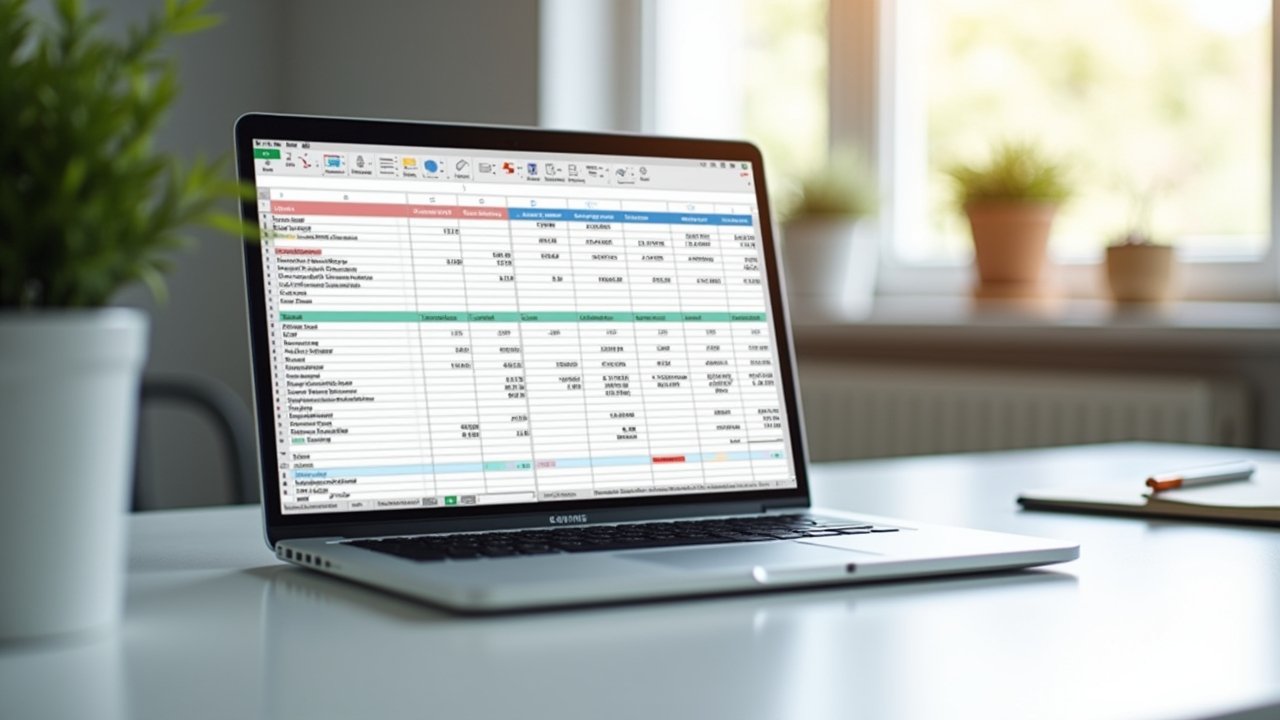
A spreadsheet — whether it’s in Google Sheets or Microsoft Excel — gives you total control. You can customize every column, every formula, every category to fit YOUR business. Plus, it’s free or close to it, and there’s something weirdly satisfying about building your own financial tracking system from scratch.
Setting Up Your Expense Tracking Spreadsheet
Alright, here’s where the magic happens. When I first created mine, I overcomplicated it big time. Had like 30 columns. Don’t do that. Start simple.
Here are the essential columns every business expense spreadsheet needs:
- Date — When the expense occurred
- Description — A brief note about the purchase
- Category — Things like office supplies, travel, software subscriptions, meals
- Amount — The total cost
- Payment Method — Credit card, debit, cash, PayPal, etc.
- Receipt — A yes/no column or a link to a photo of the receipt
- Tax Deductible — Mark whether it qualifies as a write-off
That’s it to start. Seriously. You can always add vendor name, project codes, or reimbursement status later. But those seven columns will cover 90% of what you need for monthly expense tracking and basic bookkeeping.
Categorizing Expenses the Right Way
This is where I messed up early on. I had categories like “random stuff” and “probably business related.” Yeah, my accountant was not amused.
Advertisements
Stick to standard IRS expense categories if you’re in the US. The IRS website actually breaks these down pretty clearly. Think advertising, insurance, office expenses, professional services, travel, and utilities. Using consistent categories makes tax preparation so much easier and helps you spot spending patterns in your budget.
One tip that saved me a ton of headaches — use a dropdown menu in your spreadsheet for categories. In Google Sheets, you can do this with data validation. It prevents typos and keeps everything uniform, which matters a lot when you’re sorting or filtering later.
Formulas That Do the Heavy Lifting
You don’t need to be a spreadsheet wizard. A few basic formulas go a long way. I use SUMIF to total expenses by category, and a simple SUM at the bottom for monthly totals. That’s honestly about it.
For example, =SUMIF(C2:C100,”Travel”,D2:D100) will add up every expense tagged as “Travel.” It was been a game-changer for me when reviewing my quarterly spending. If you want to get fancy, pivot tables can give you a visual breakdown, but don’t stress about that on day one.
Staying Consistent Is the Hard Part
I’ll be real with you — the spreadsheet itself is easy. The discipline is hard. I set a recurring reminder every Friday afternoon to log that week’s expenses. Takes me maybe 15 minutes. Before I did this, I’d fall behind for weeks and then spend an entire Sunday trying to reconstruct transactions from bank statements. Not fun.
Another thing that helped was keeping digital copies of receipts using an app like Smart Receipts and linking them right in my spreadsheet. Paper receipts fade, get lost, or end up in the washing machine. Ask me how I know.
Your Spreadsheet, Your Rules
At the end of the day, a business expense spreadsheet is only as good as the habits you build around it. Start simple, stay consistent, and tweak it as your business grows. Don’t be afraid to customize — that’s the whole point of doing this yourself instead of relying on cookie-cutter software.
Just remember to back up your files and keep your financial data secure. And if you found this helpful, we’ve got a bunch more practical guides over at Deduction Desk — go poke around and find something that makes your next tax season a little less painful!